Most AI images look like AI images because the prompt was a wish, not a direction. This is the prompting chapter of the same internal training doc we hand new No ID producers on day one, the one behind our Higgsfield production playbook. Real templates, real frames, no theory.
Stop Typing "Make It Cool"
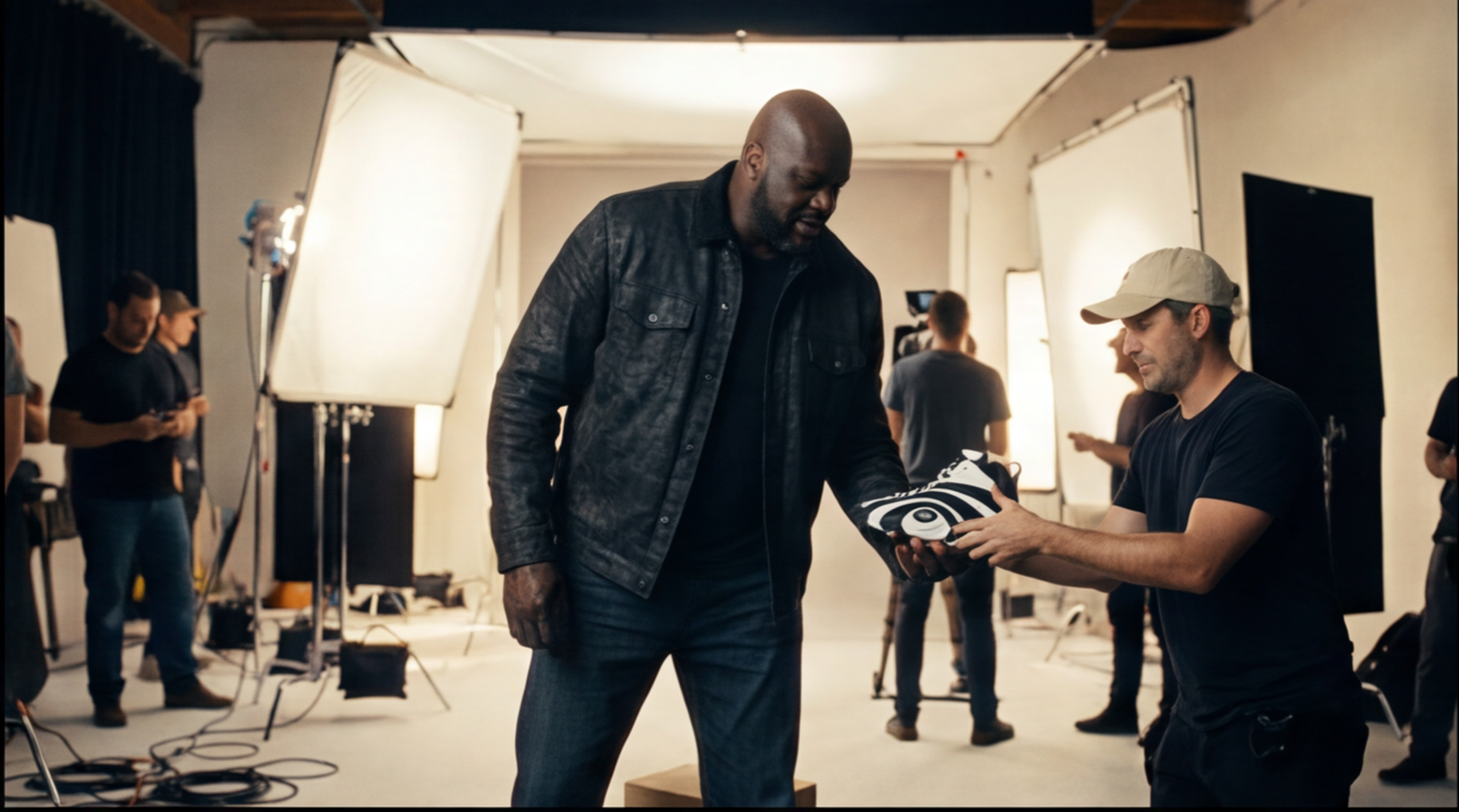
A short prompt makes the model invent the genre, the character, the composition, the lighting, and the mood. That is a slot machine, not a production tool. Before anyone on our team writes a single word of prompt, they answer five questions:
- What is the image for? Deck slide, poster, social ad, character lock, product render, location reference, thumbnail.
- What is the subject?
- What is happening in the image?
- What should the viewer feel?
- What cannot change?
If you cannot answer all five, you are not prompting yet. You are gambling.
The Formula We Start Every Prompt With
For most image generations, the prompt is built in this order:
[Output Type] + [Subject] + [Action] + [Location] + [Composition] + [Camera/Lens] + [Lighting] + [Style] + [Details/Textures] + [Constraints] + [Aspect Ratio]
Three rules ride on top. Be specific instead of abstract. Frame positively (say what you want, not what you fear). And start the prompt with a strong verb that tells the model what operation to perform: create, edit, merge, replace.
The Master Template (Steal This)
This is the exact text-to-image structure from the doc:
- Subject: Create a [TYPE OF IMAGE] of [SUBJECT]. The subject is [AGE / STYLE / DEFINING FEATURES / WARDROBE].
- Action: They are [ACTION / POSE / EMOTION].
- Scene: The scene takes place in [LOCATION / TIME PERIOD / ENVIRONMENT].
- Composition: [SHOT SIZE], [CAMERA ANGLE], [WHERE THE SUBJECT SITS], [NEGATIVE SPACE IF NEEDED].
- Camera: shot on [CAMERA / LENS], [DEPTH OF FIELD], [FOCUS NOTES].
- Lighting: [LIGHT SOURCE], [LIGHTING STYLE], [COLOR TEMPERATURE], [MOOD].
- Style: [GENRE / REFERENCE WORLD / VISUAL LANGUAGE].
- Details: [MATERIALS / TEXTURES / PROPS / BACKGROUND].
- Constraints: [WHAT MUST BE TRUE], [WHAT MUST NOT CHANGE], [WHAT TO AVOID].
- Aspect ratio: [RATIO]. Resolution: [RESOLUTION].
Fill every line. Empty lines are where weird hands and melted logos come from.
What That Looks Like Filled In
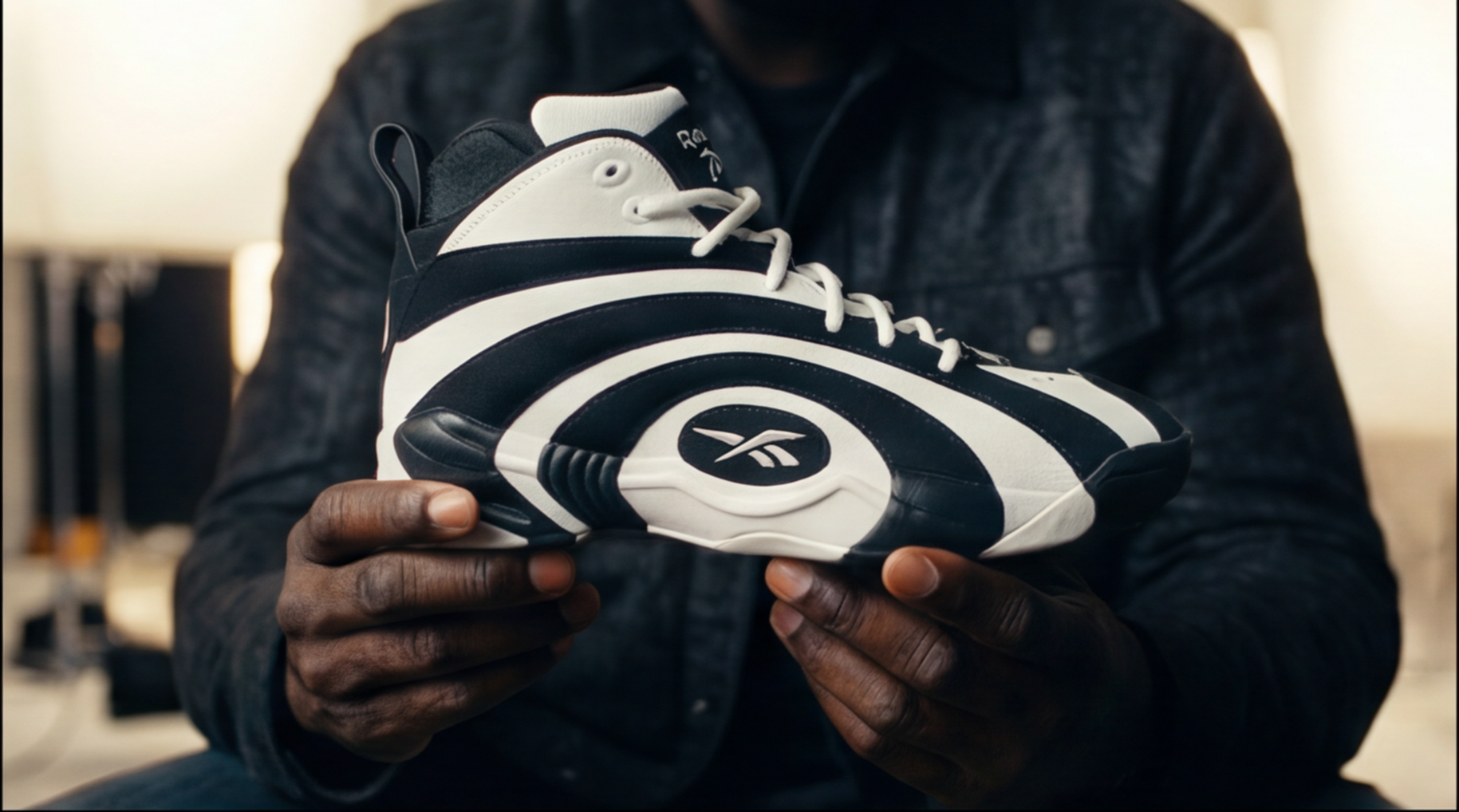
Here is the template applied to a product-style frame, the same kind we built for the Shaq Shaqnosis commercial:
Create a cinematic product still of a black and blue 90s basketball sneaker on a hardwood court. Composition: extreme close-up, low angle, sneaker on the right third, clean dark space on the left for copy. Camera: 85mm, shallow depth of field, crisp focus on the toe box. Lighting: single overhead arena spotlight, deep shadows, subtle floor reflection. Style: prestige sports documentary, grounded realism. Details: worn leather grain, dust on the sole, arena bokeh in the background. Constraints: no logos beyond the shoe itself, no people, no readable text, no extra objects. Aspect ratio: 16:9. Resolution: 4K.
Every clause does a job. The output is direction, not luck, and frames built this way hold up next to real photography.
Reference Images: Every Upload Gets a Job
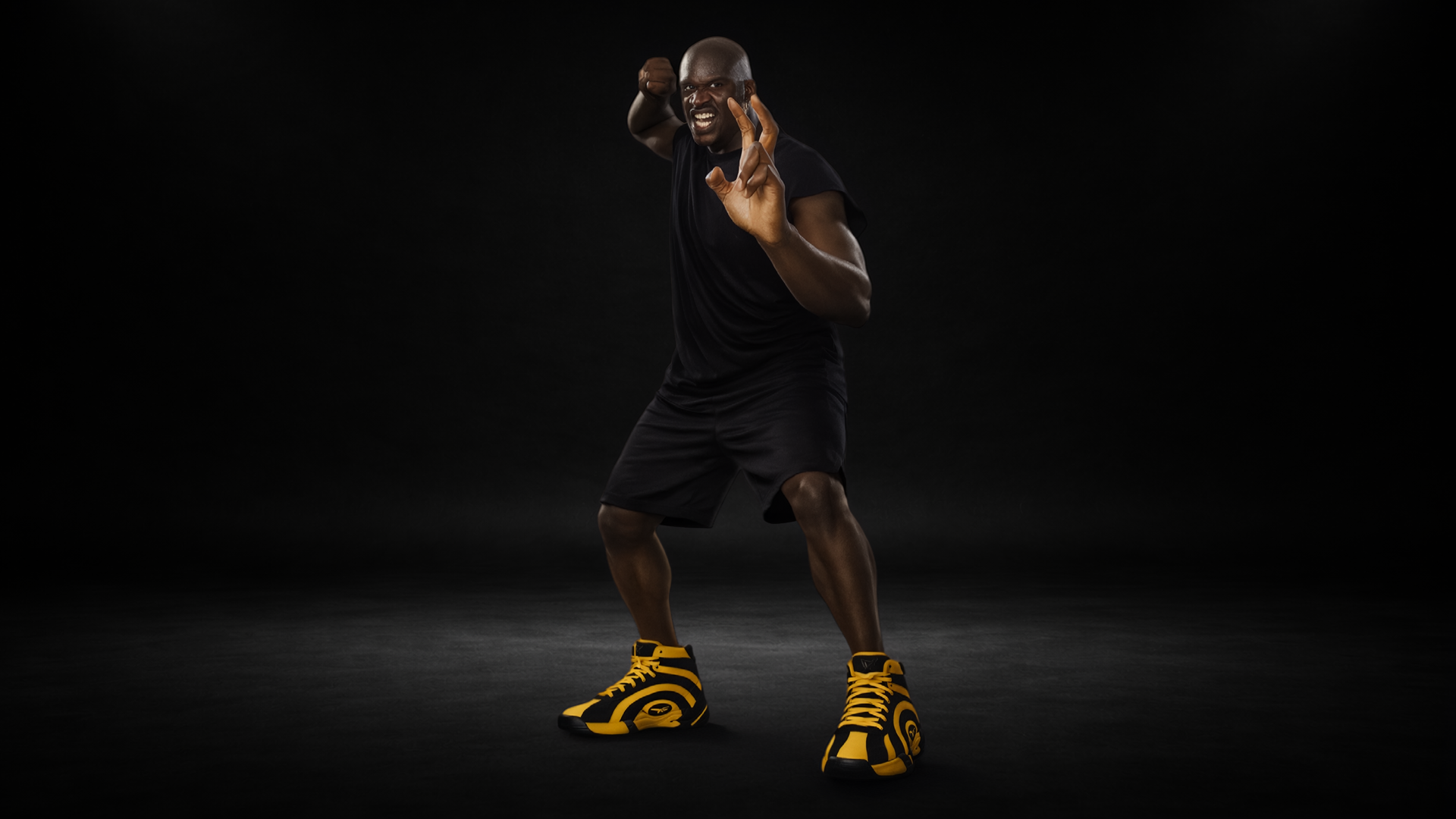
Reference images are the biggest quality booster in the tool, and the most misused. Uploading five images and hoping the model figures out what each one means is how you get a stranger wearing your client's shoes. Assign every reference a job in writing:
- Reference 1 is the character identity. Preserve the face, age, hair, and likeness.
- Reference 2 is wardrobe. Use the same silhouette, fabric, and color palette.
- Reference 3 is the lighting reference. Match the lighting and contrast.
- Reference 4 is the composition reference. Match framing and camera distance, but replace the subject with Reference 1.
Then close the prompt with the guardrails: do not change the character identity, do not invent new facial features, do not change the wardrobe unless specified.
Edits, Text, and Character Lock Sheets
Edits are not generations. An edit prompt separates what changes from what stays: Edit the image so that [SPECIFIC CHANGE]. Keep everything else exactly the same: [LIST WHAT TO PRESERVE]. Do not change [SUBJECT / COMPOSITION / LIGHTING / CAMERA / BACKGROUND].

Text inside images works if you treat it like a designer would: put the exact words in quotation marks, name the font style, say where the text goes, define the hierarchy (biggest, medium, small), and always check spelling after generation. Finalize the copy before you generate, not after.
Character lock sheets are how we keep a face identical across an entire campaign. One prompt asks for the same identity across panels: front-facing neutral, three-quarter angle, side profile, serious and concerned expressions, walking and seated poses, close-up portrait, and a full-body wardrobe view, in grounded cinematic realism with consistent lighting on a clean background.
The Six Mistakes That Kill Shots
- Prompt too short. The model invents everything you left out.
- Contradictions. Bright-colorful-dark-gritty is not a direction.
- No aspect ratio. Always specify 16:9, 9:16, 1:1, 2:3, or 4:5.
- Too many characters. Crowded scenes need every person described clearly.
- Layout without spatial anchors. Do not say put it somewhere. Say the phone sits on the right third, left 40% clean and dark for white text.
- Not saving winners. Every approved image gets filed with its prompt, model, aspect ratio, resolution, references, and notes on what worked. That library is the real asset.
And the final team rule from the doc: the model is only as clear as the direction it receives. Prompt like a director, not a spectator.
Conclusion
This is the standard behind our work for Shaq, the Altman Brothers, Paragon, and Sweet James, all made from our studio in Costa Mesa. If you want to see where these prompts end up, read how we make commercials in Higgsfield or the Shaq commercial teardown. If you want this standard on your own brand, let's talk.